Apps for every part of your work
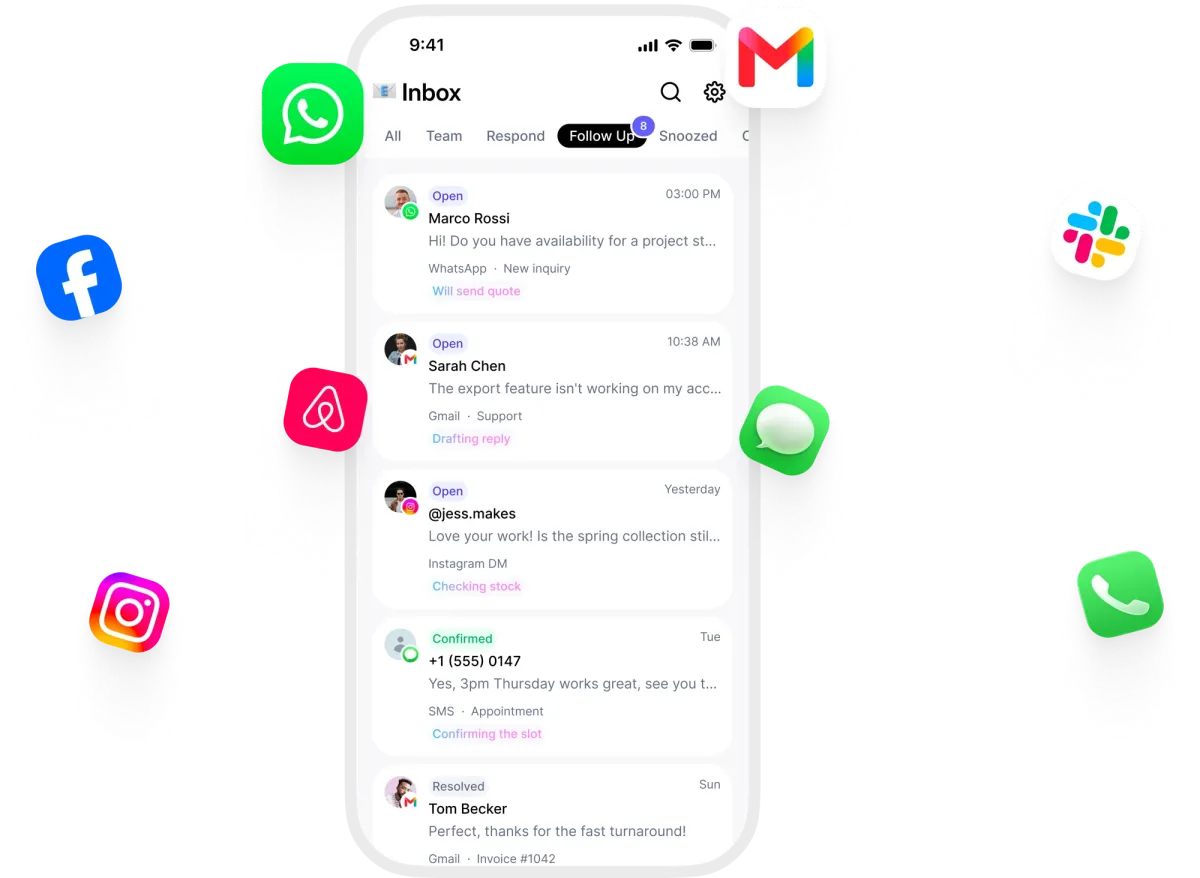
Inbox, calendar, tasks, phone and more, in one workspace your people and your AI employees share.
- One workspace
- Shared with your AI employees
- No per-seat pricing
Popular
The apps most workspaces run on.
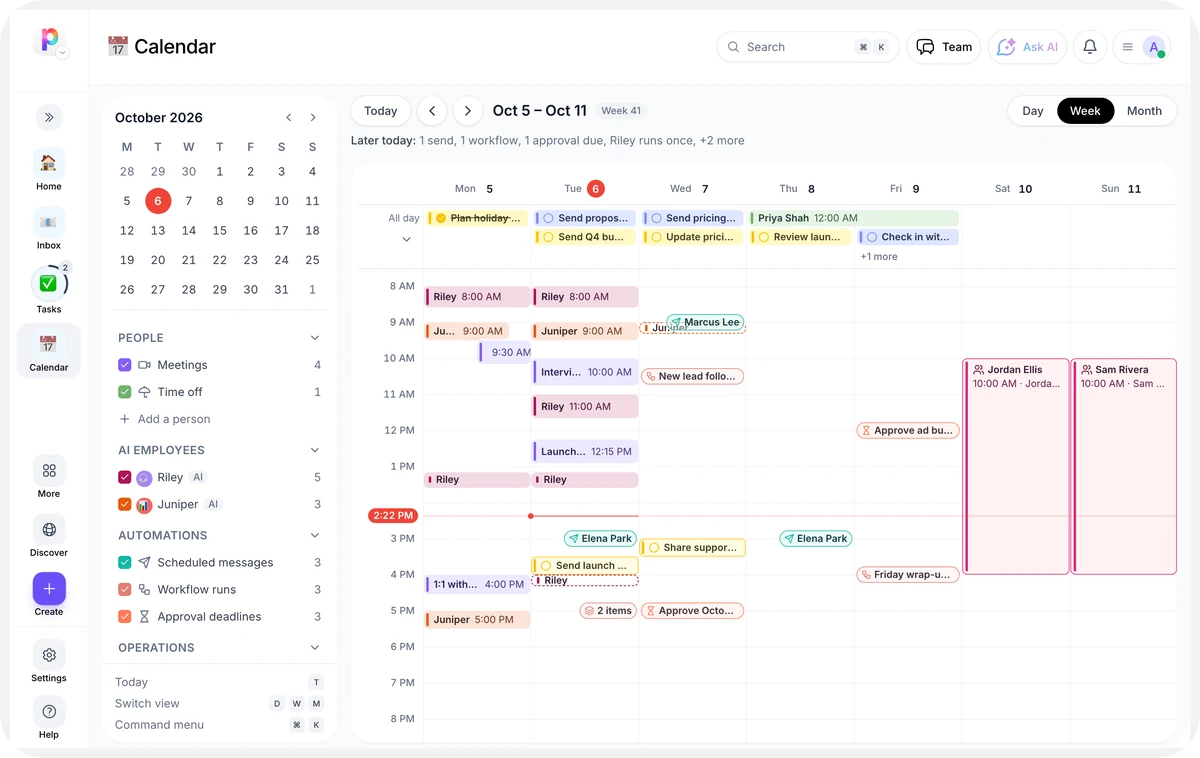
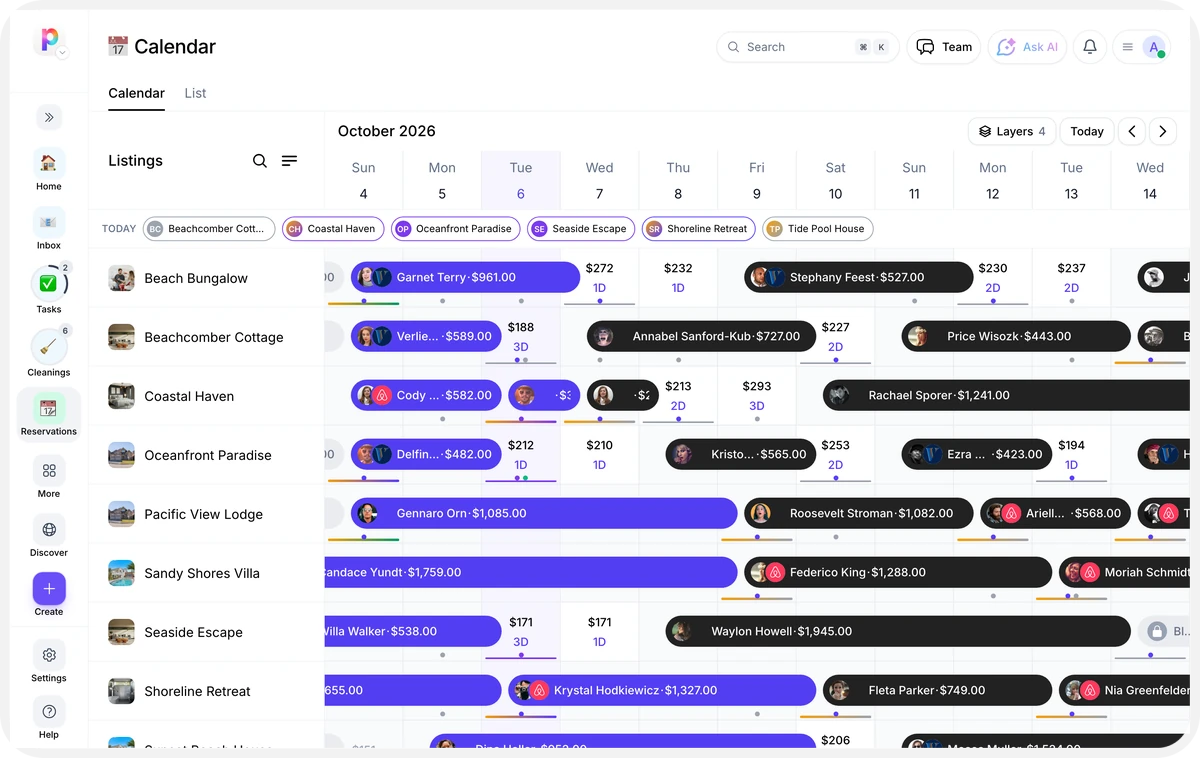
- CalendarA unified calendar across all your listings.Coming soon
All apps
26 results
Sort: Trending
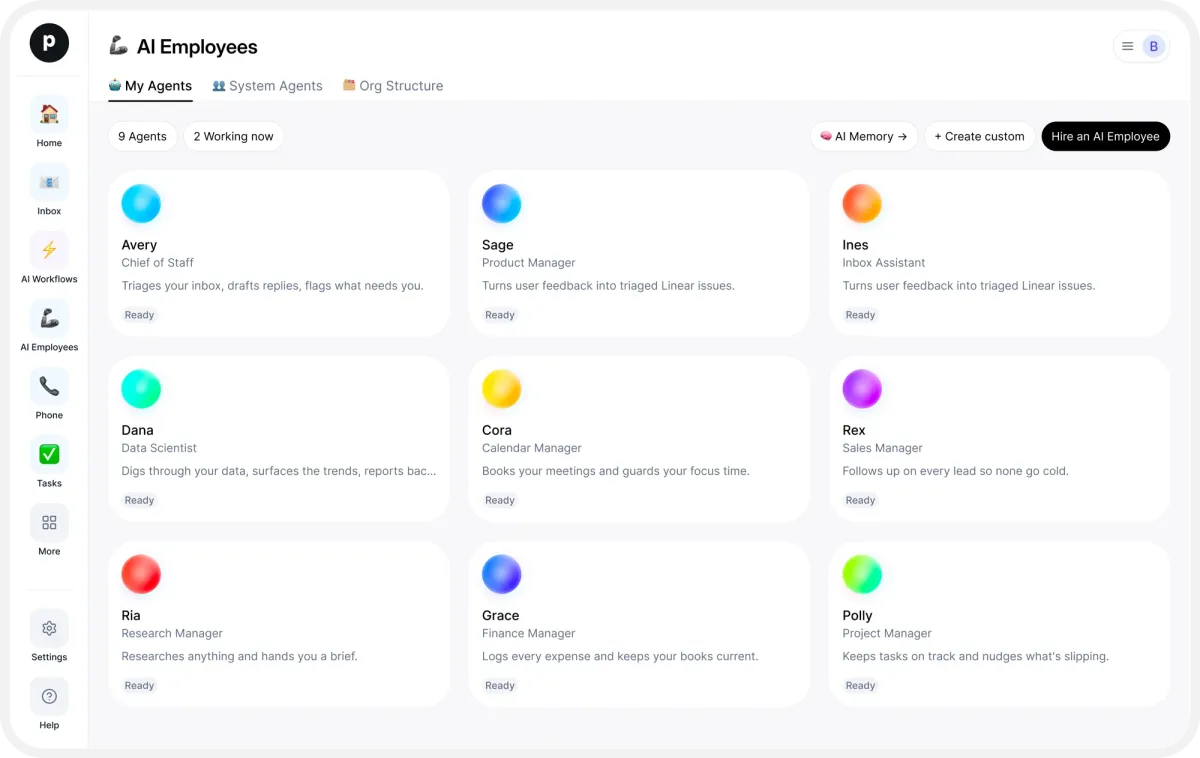
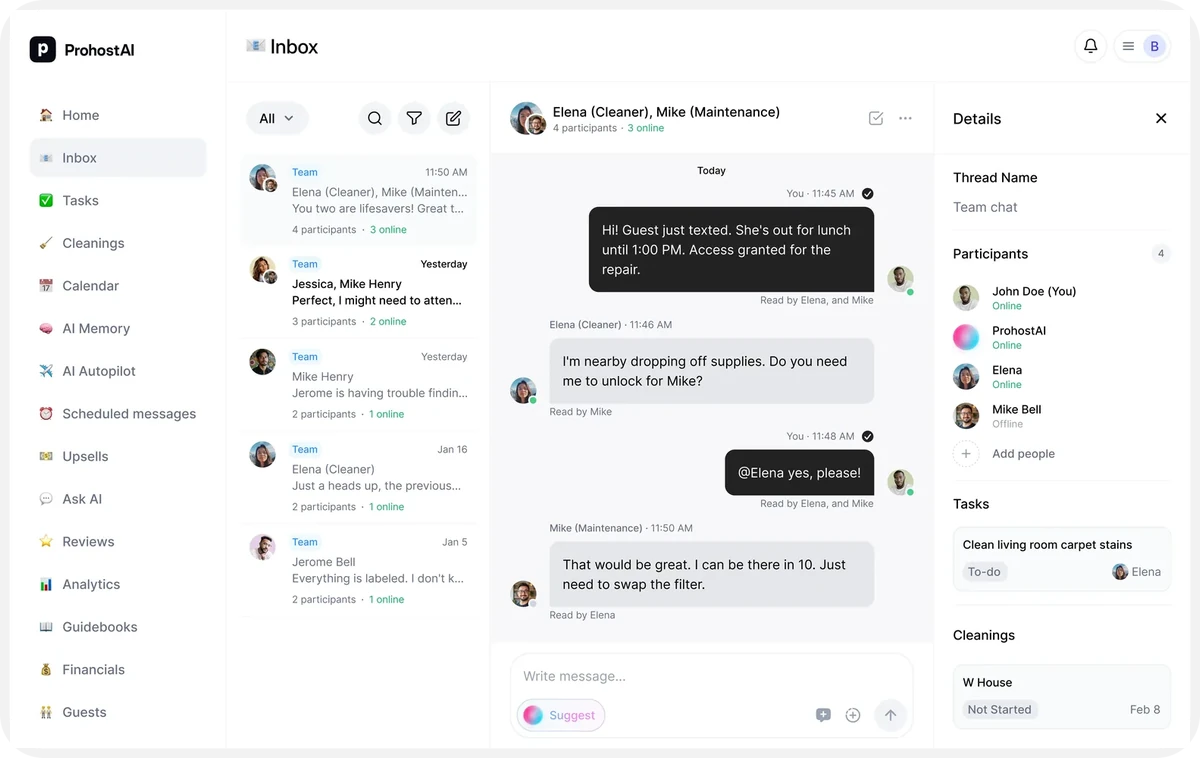
- AI EmployeesHire autonomous AI employees to run your operations.Explore
- CalendarA unified calendar across all your listings.Coming soon
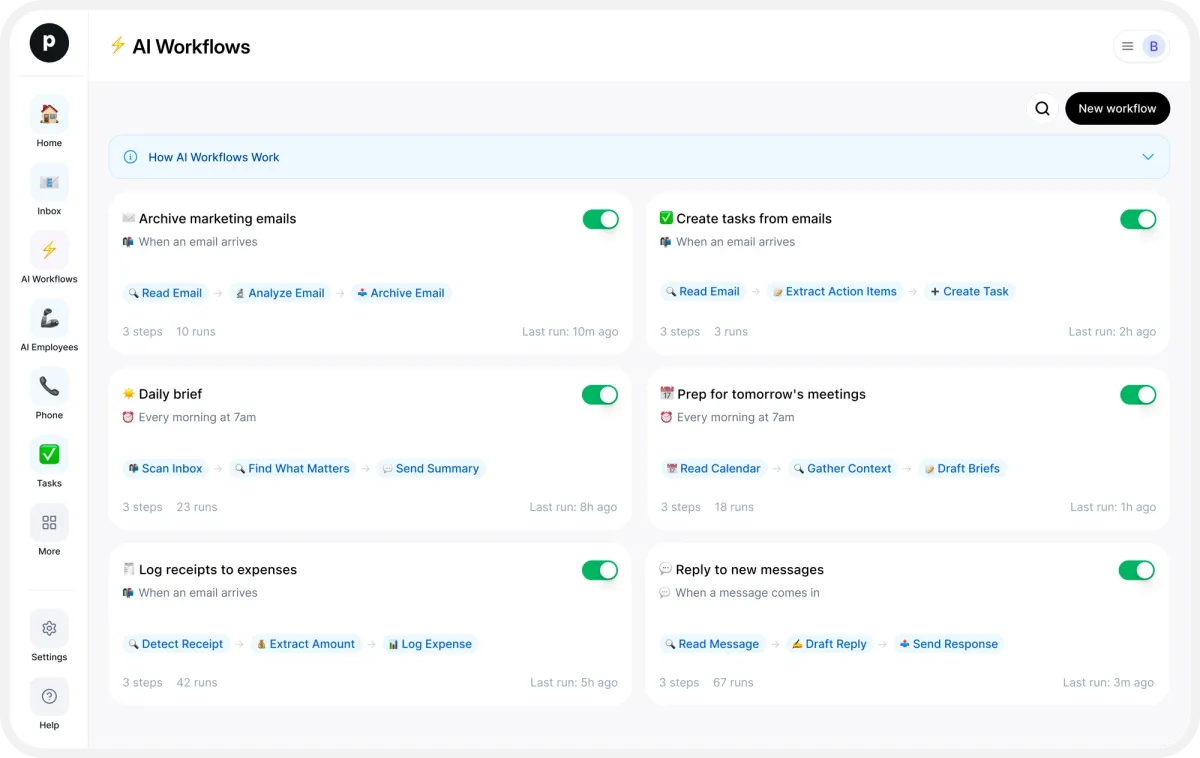
- AI WorkflowsAutomate multi-step tasks with AI workflows.Explore
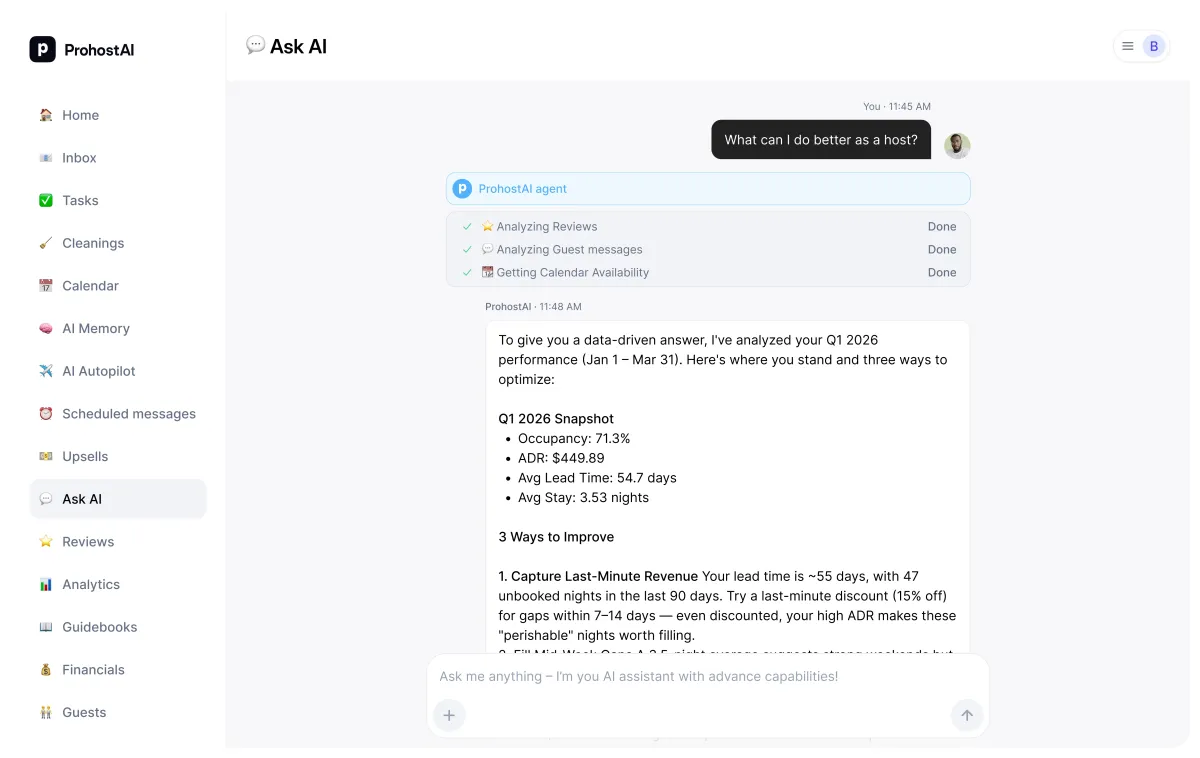
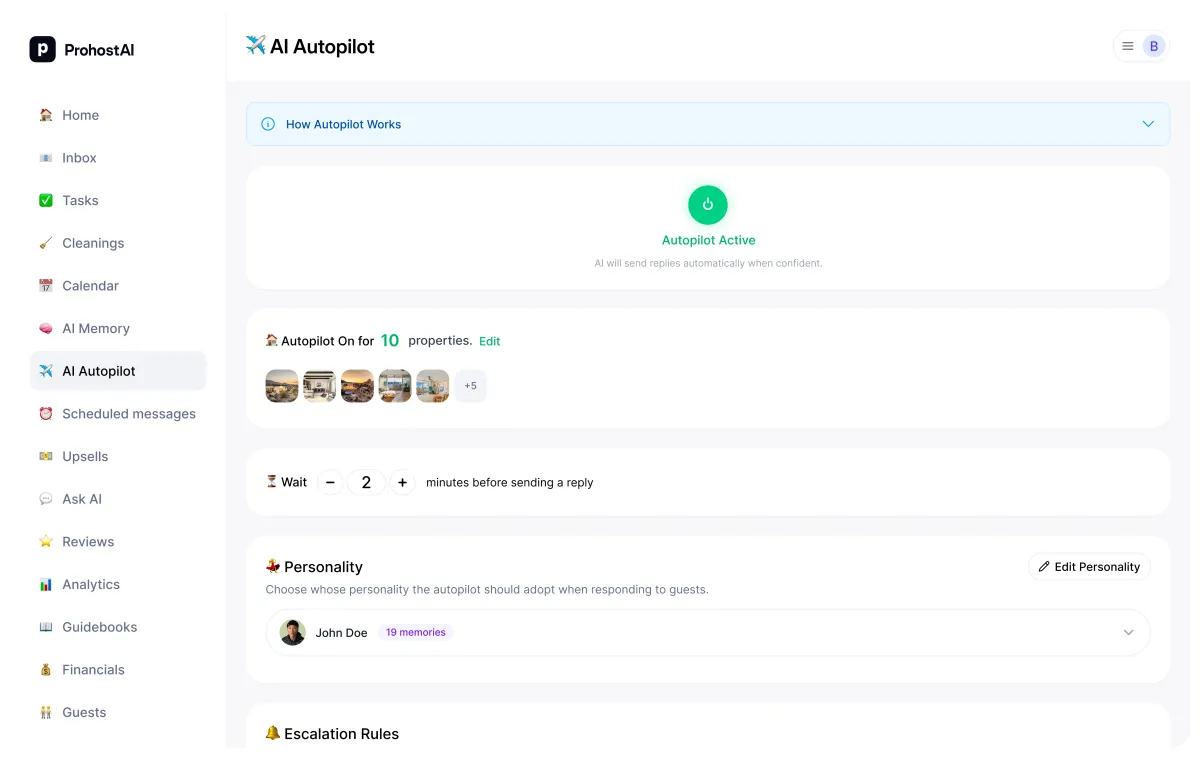
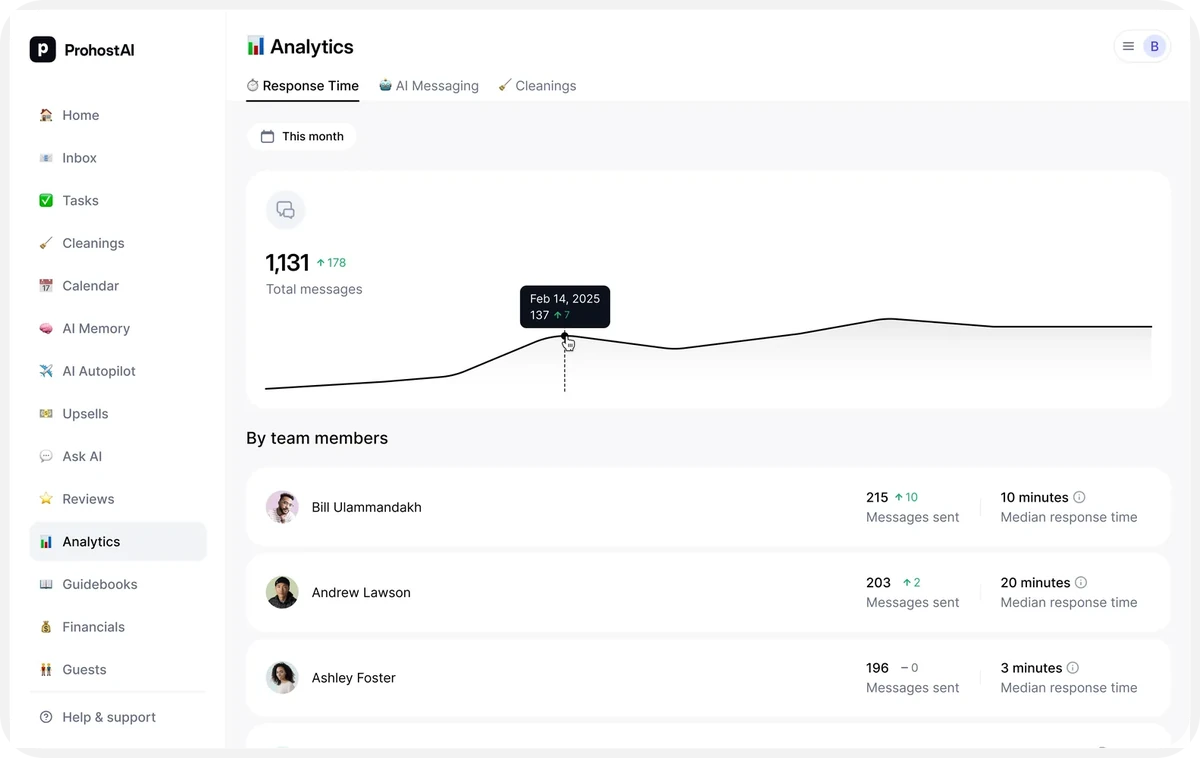
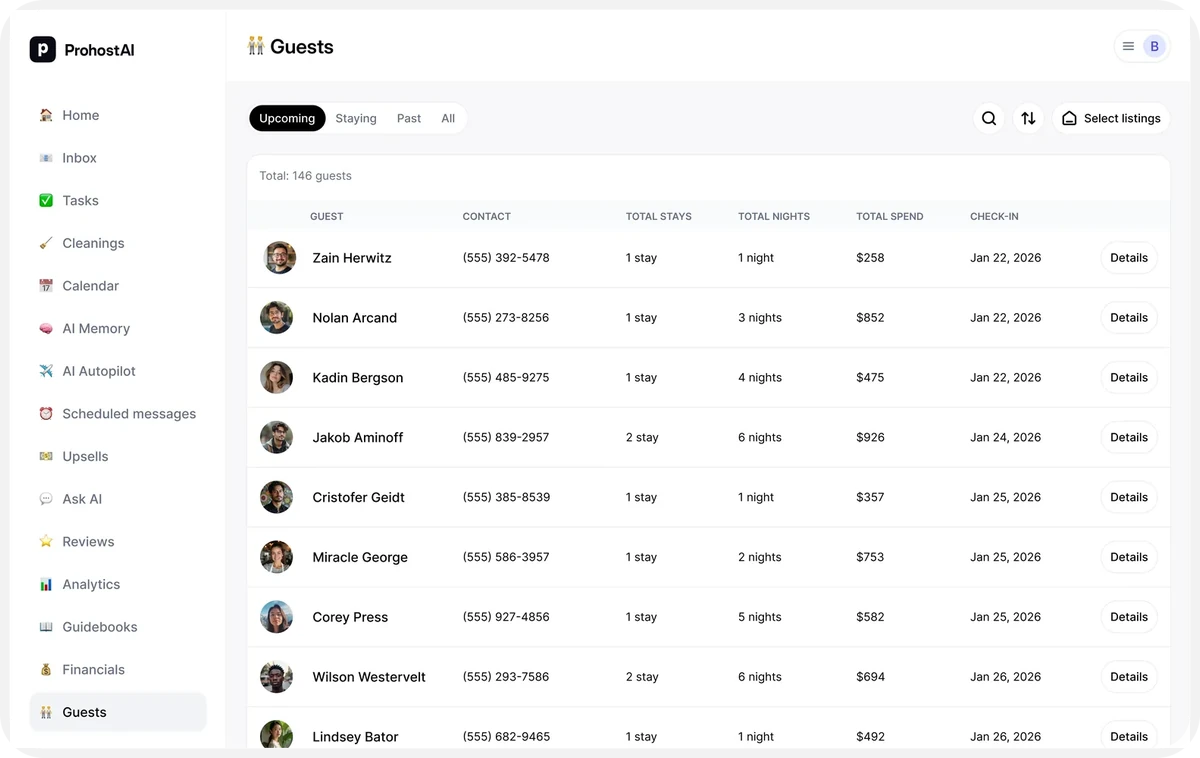
- AI AutopilotLet AI handle guest messages automatically.Explore
- Smart DevicesSmart locks and devices managed from one screen.Explore
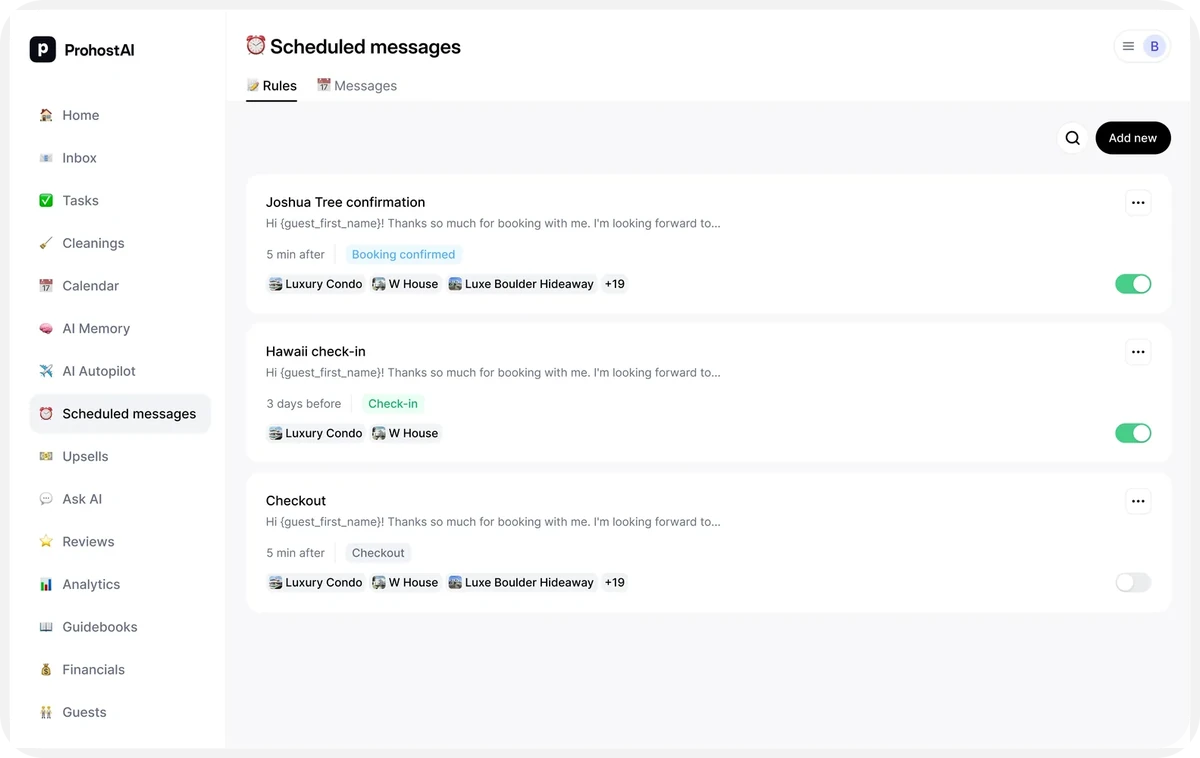
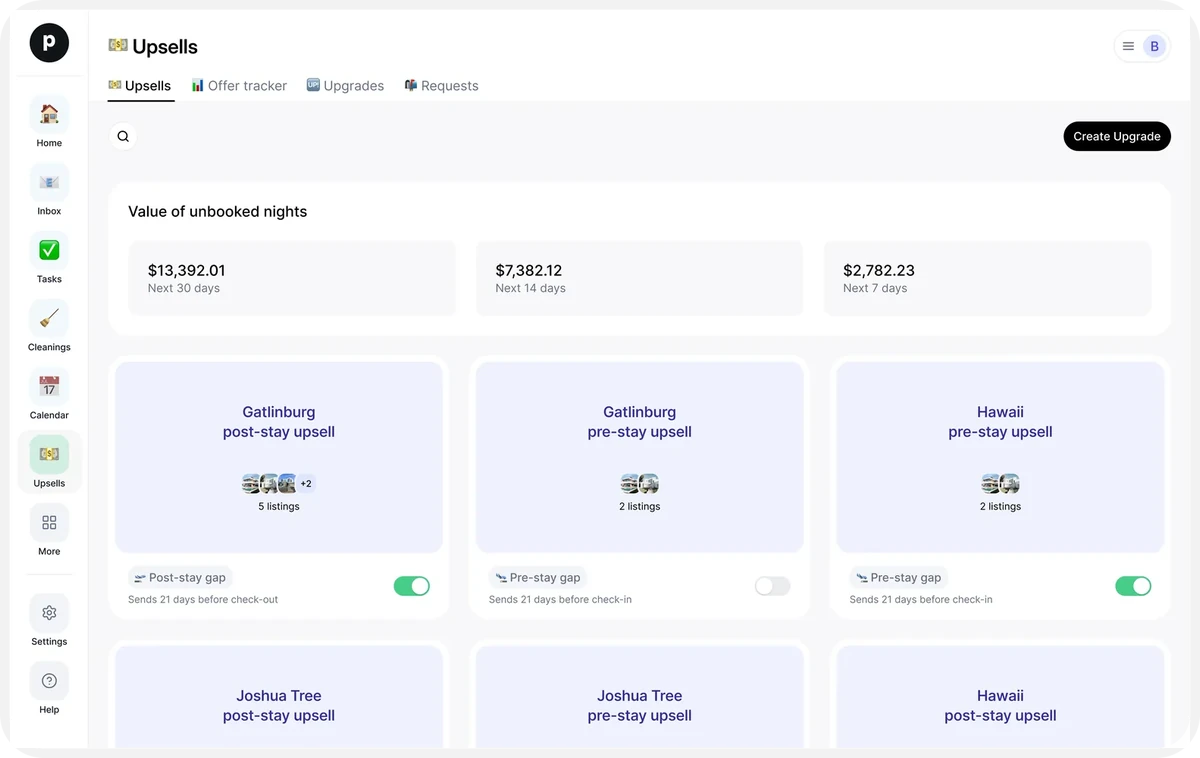
- Scheduled MessagesSend the right message at the right time, automatically.Explore
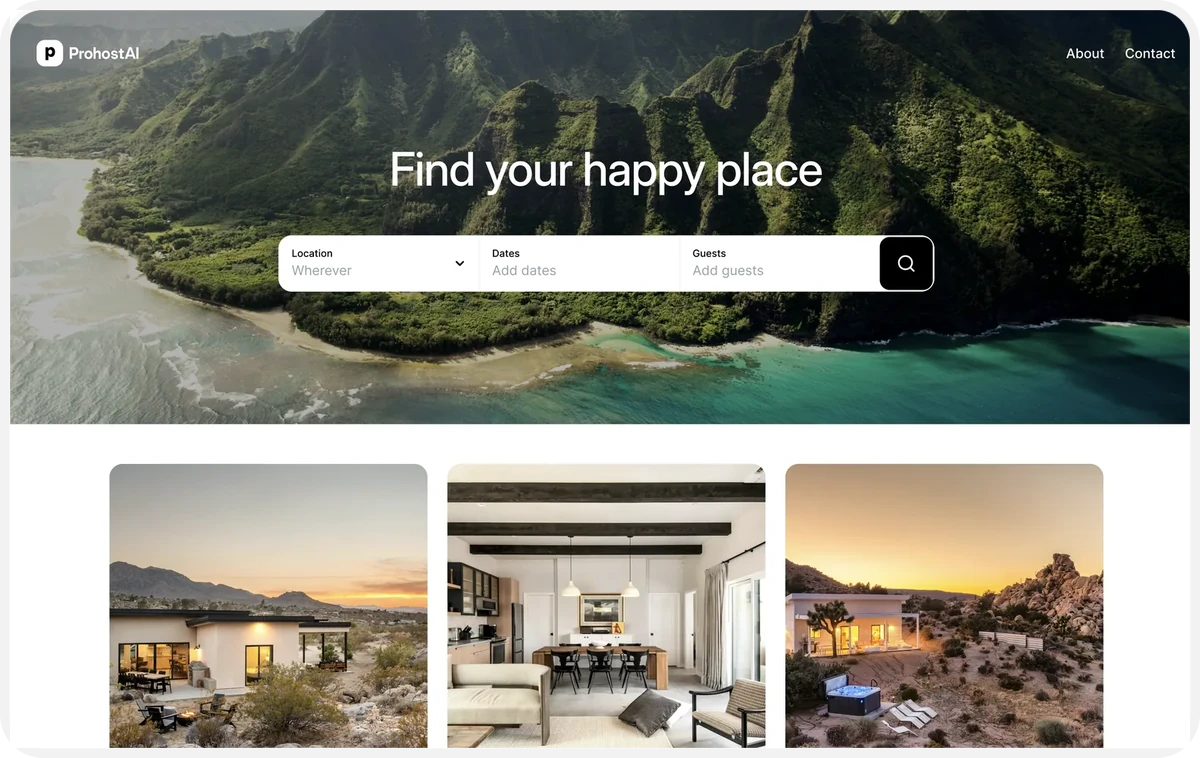
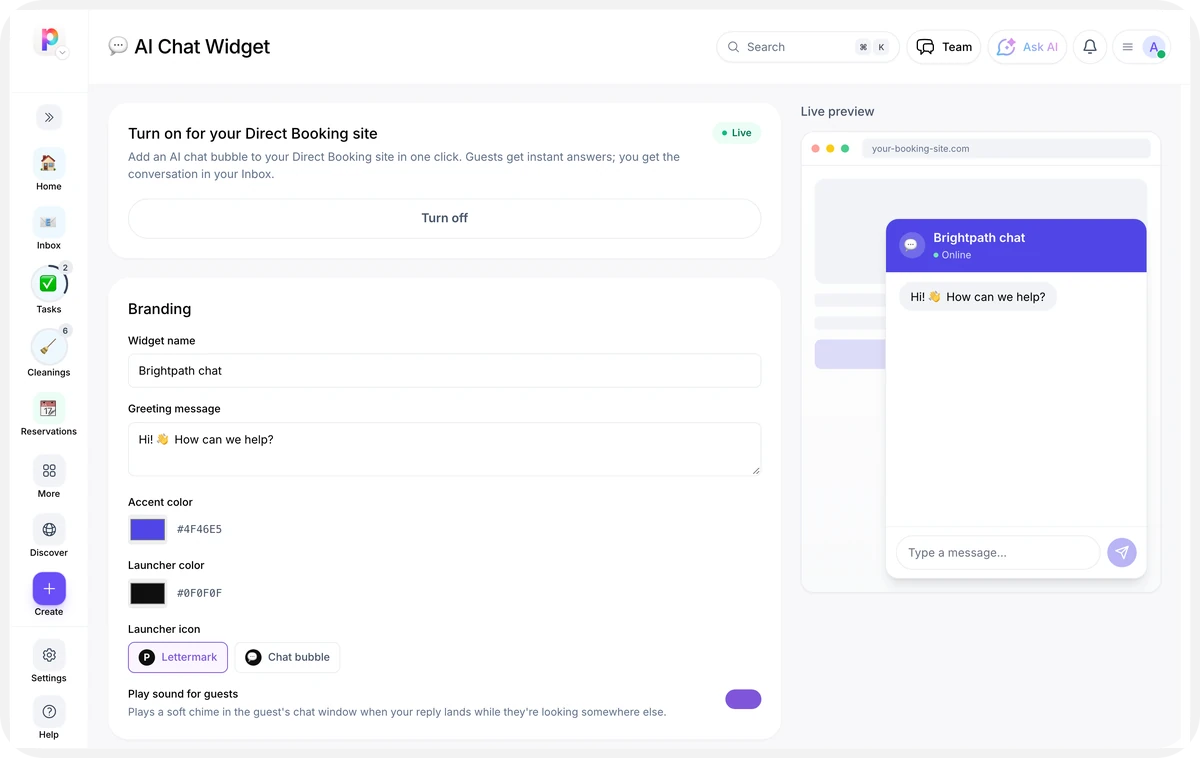
- Direct BookingTake commission-free bookings on your own site.Explore
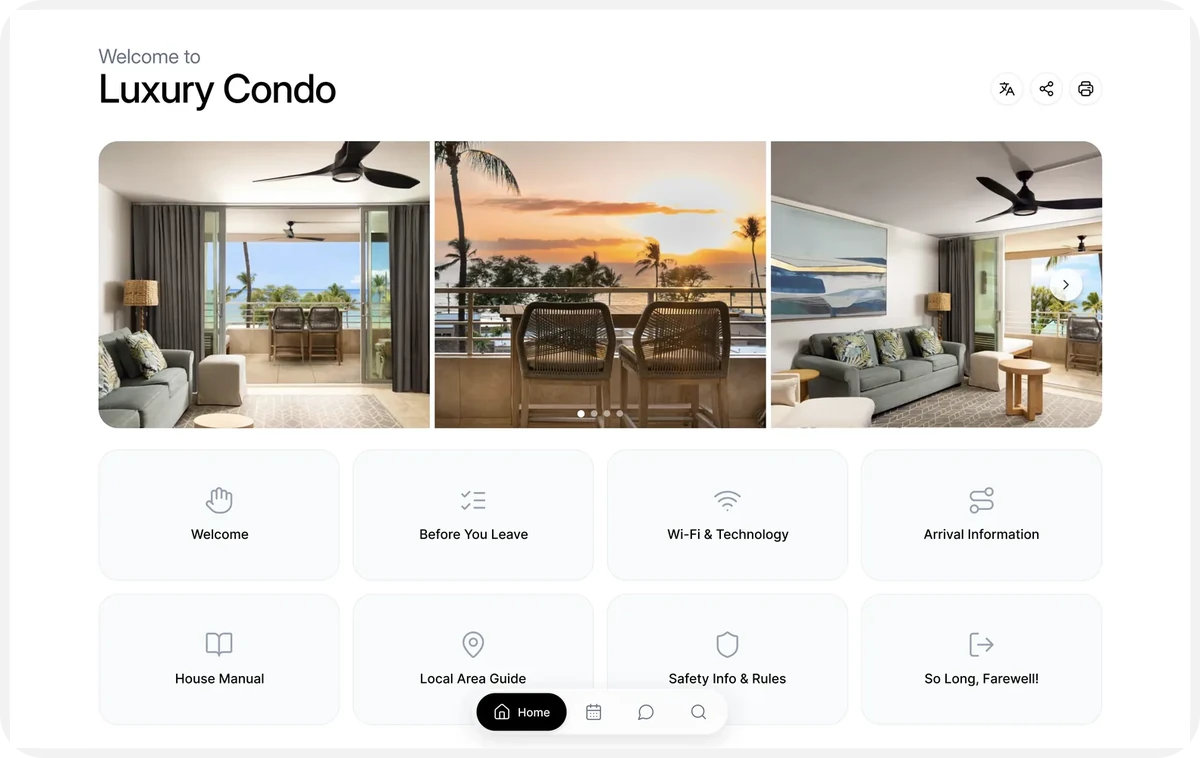
- GuidebooksBeautiful digital guidebooks for your guests.Explore
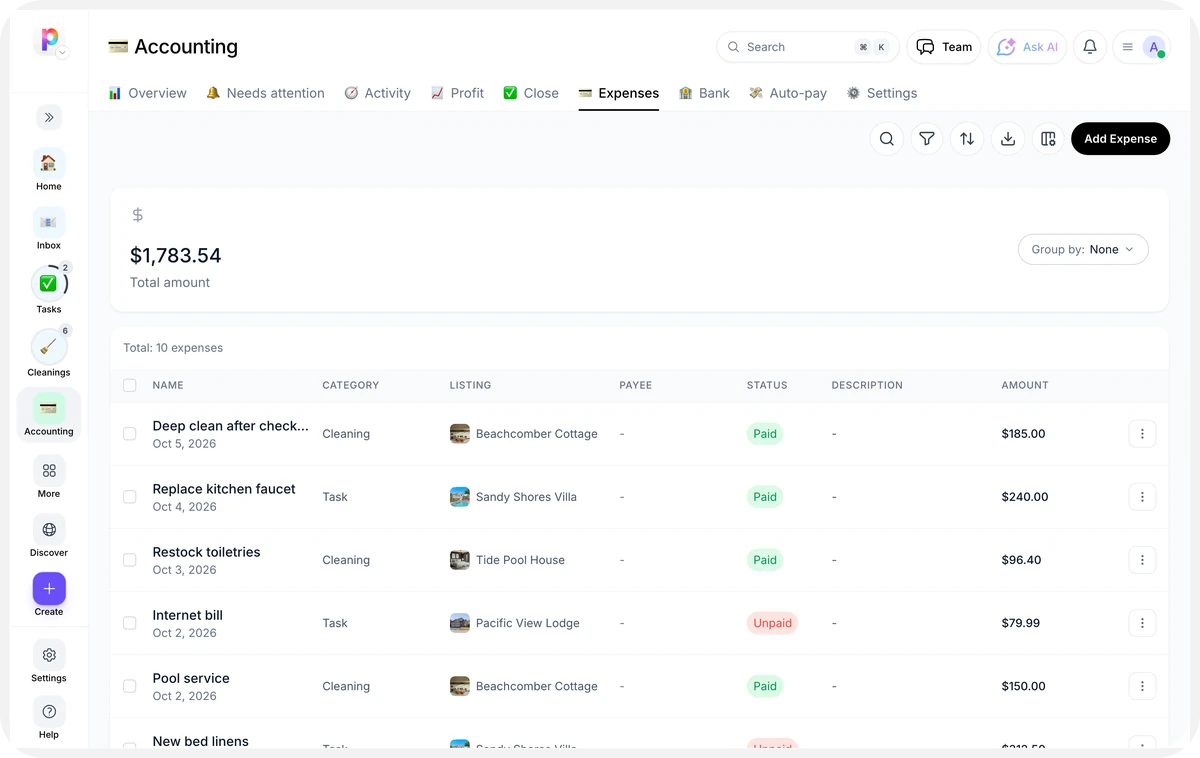
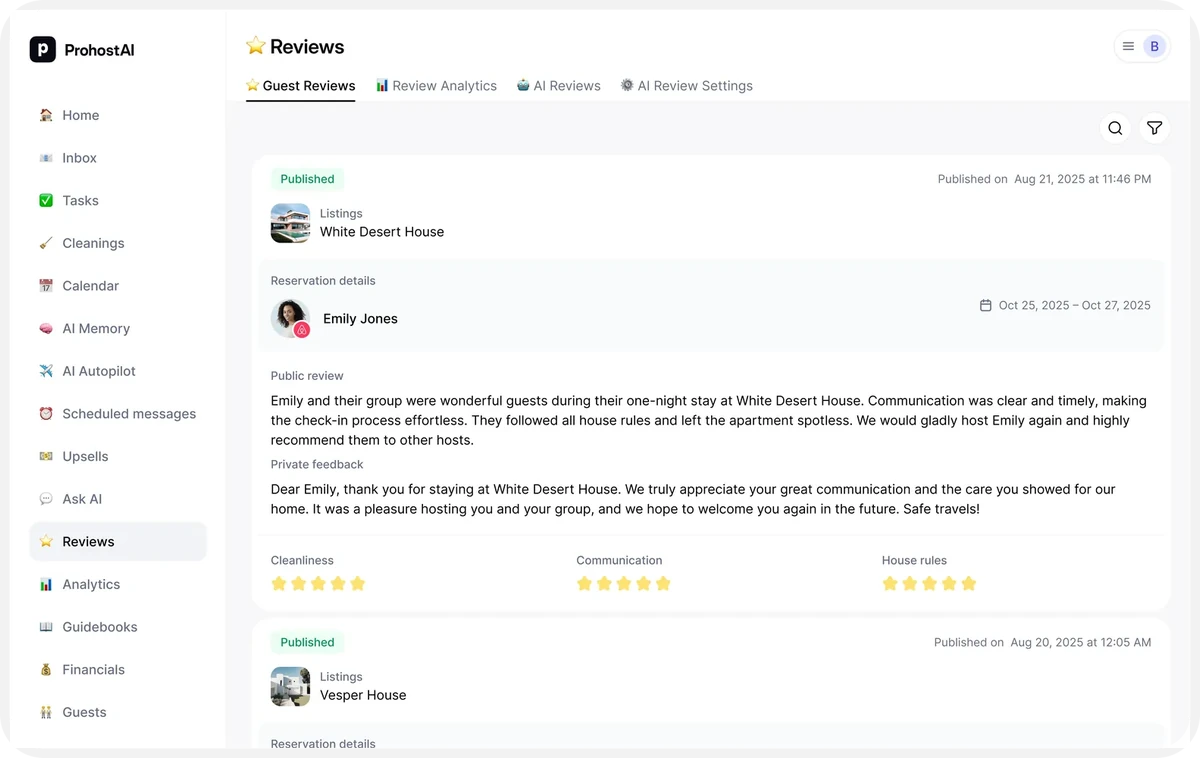
- ReservationsManage every booking from one place.Explore
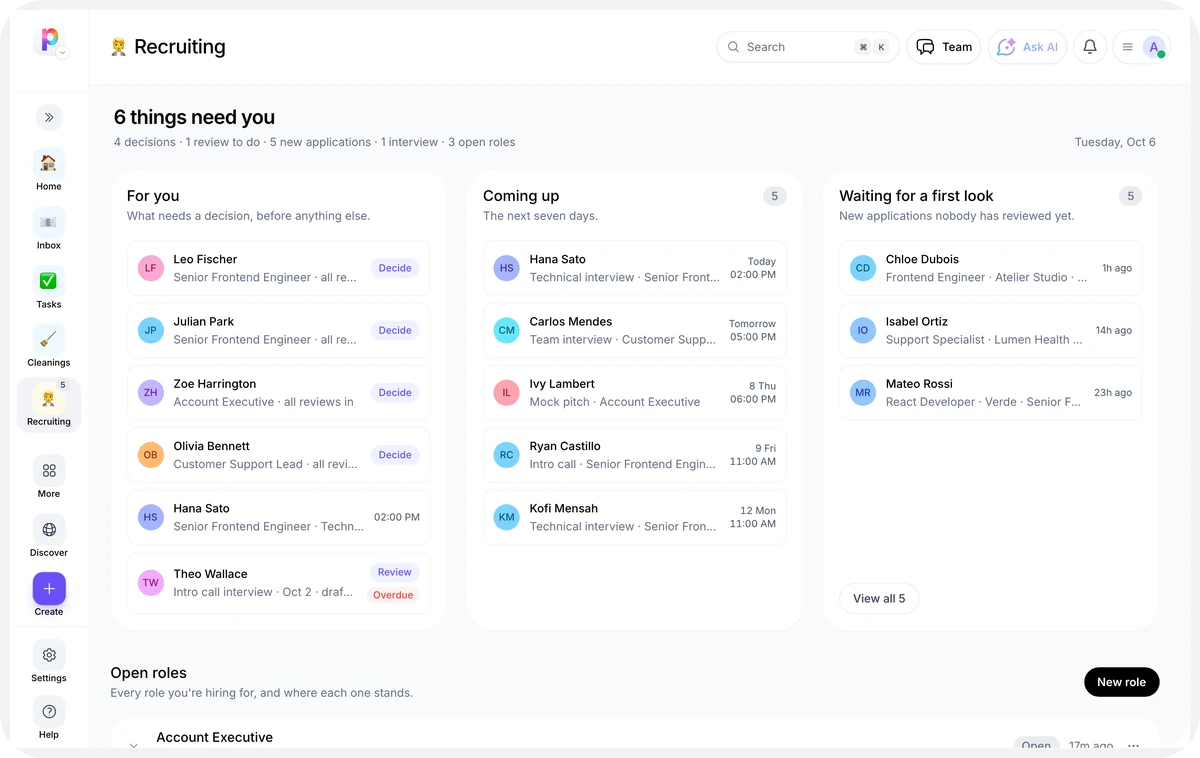
- RecruitingTrack jobs, candidates, and interviews on one hiring pipeline.Coming soon
- AI Chat WidgetAn embeddable AI chat widget for your website.Explore
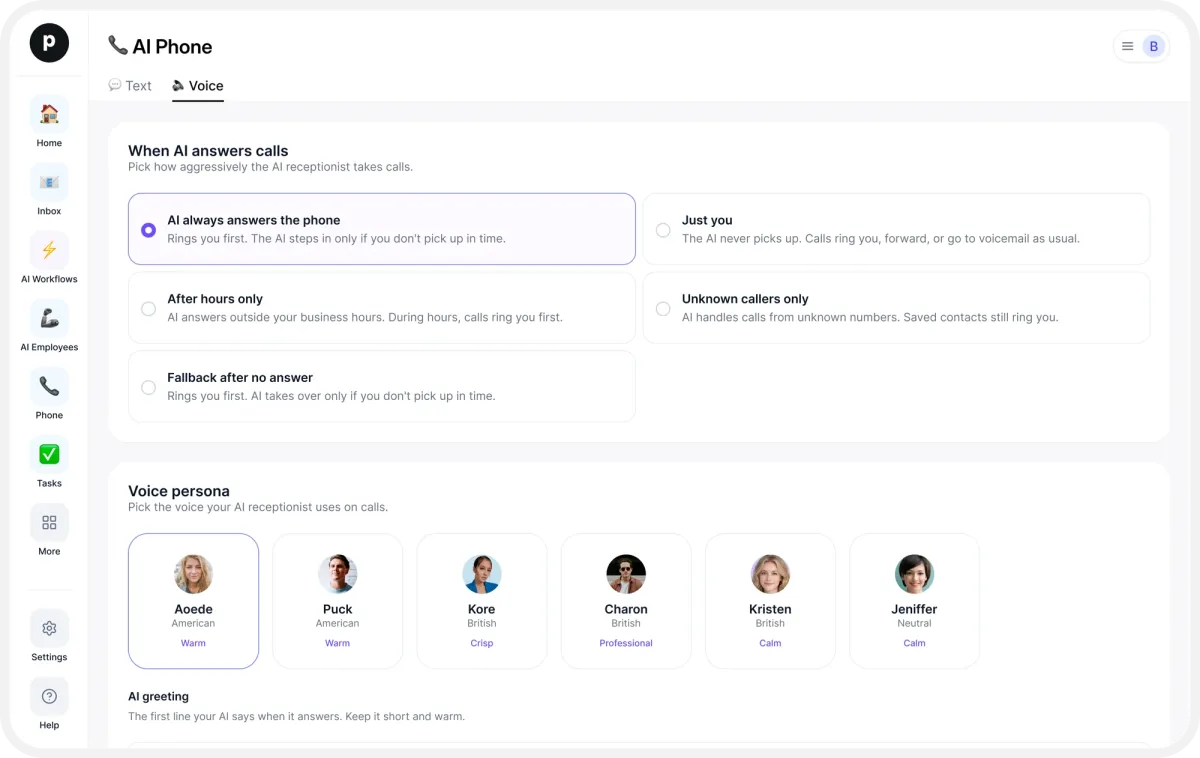
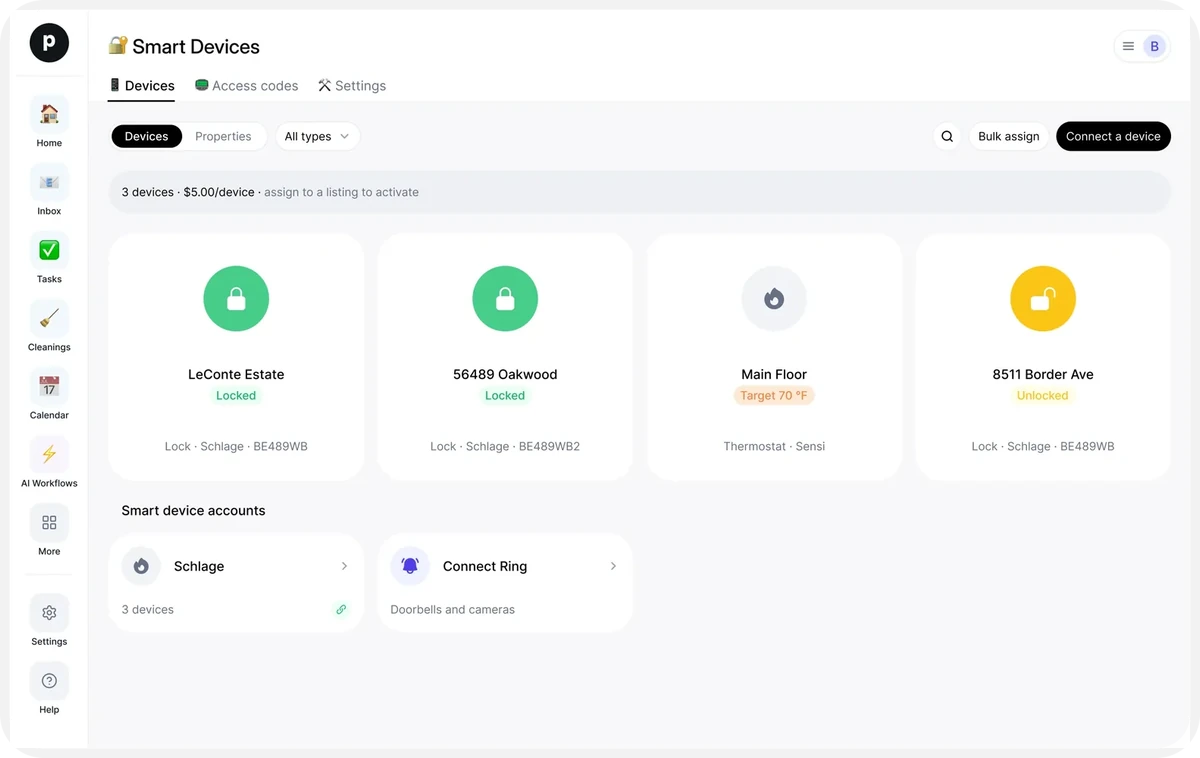
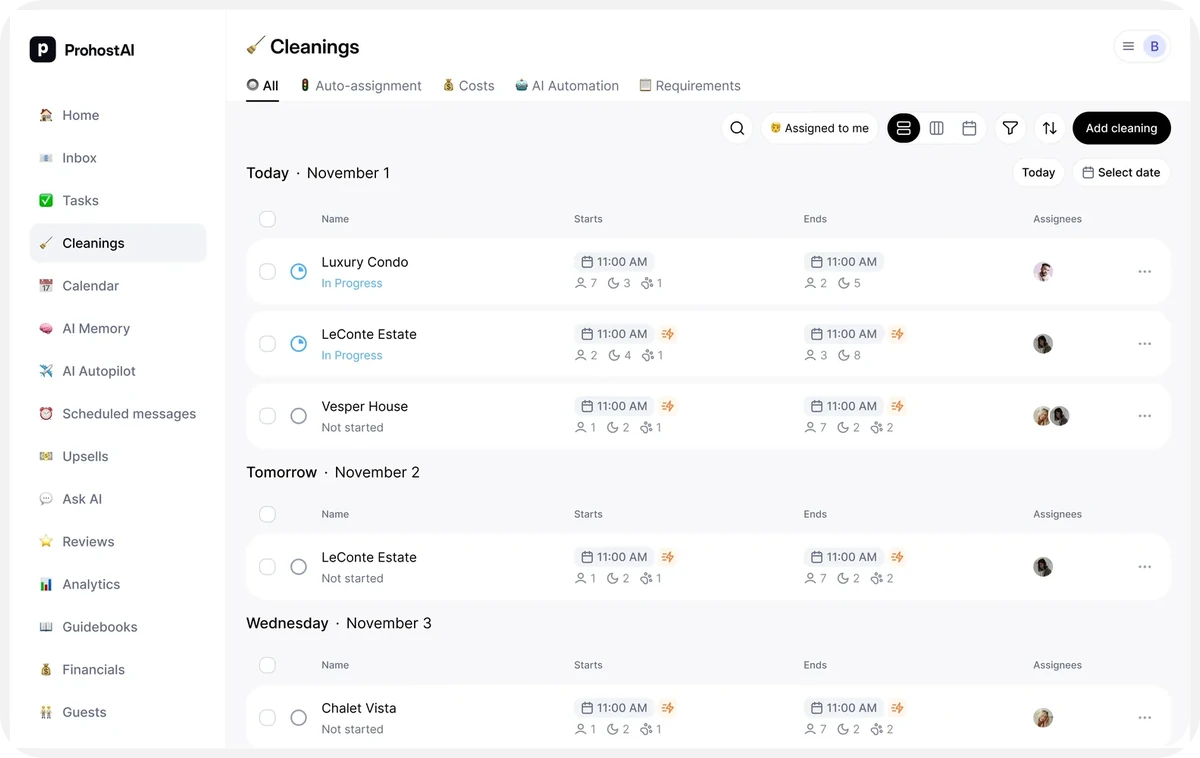
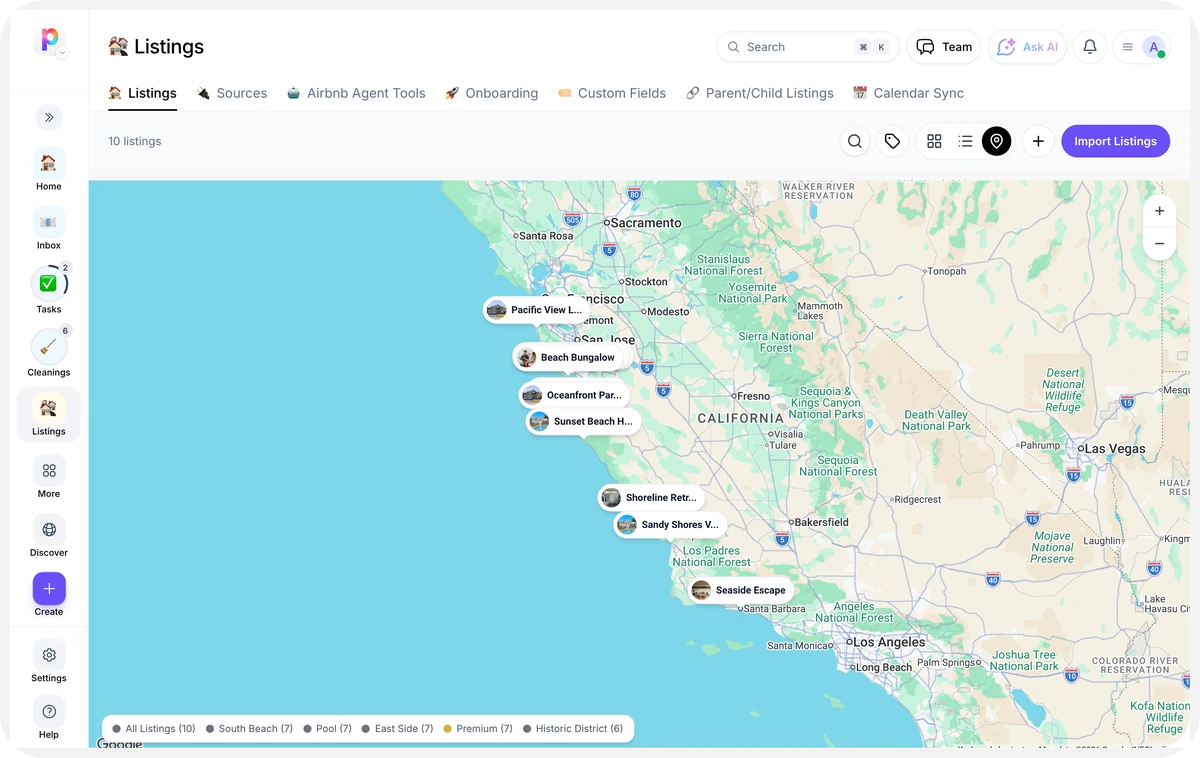
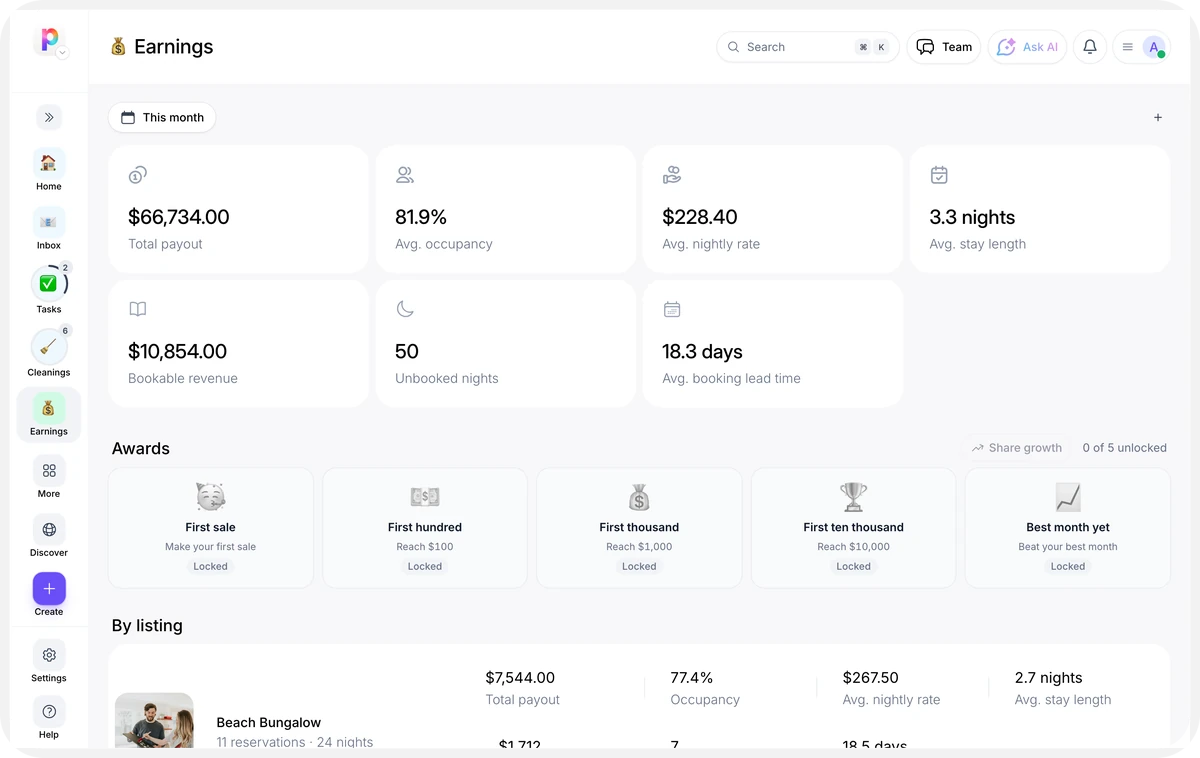
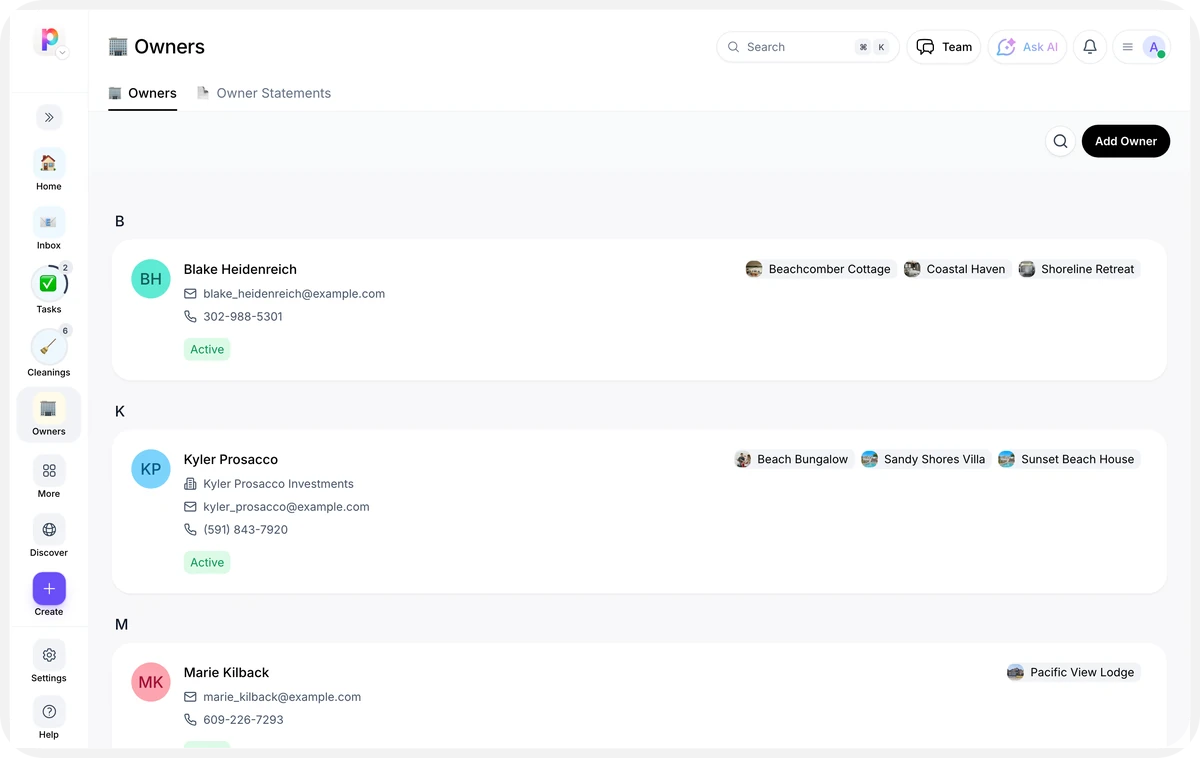
How it works
- 1
Pick an app
Browse by what you need, and open any app to see what it does.
- 2
Add it to your workspace
One press adds it for everyone in your workspace.
- 3
Work in it together
Your people and your AI employees use the same apps, on the same information.
Apps FAQ
What is an app?
An app is a part of your workspace built for one job: an inbox, a calendar, tasks, a phone line. Add the ones you need and they all work on the same information.
Can AI employees use these apps?
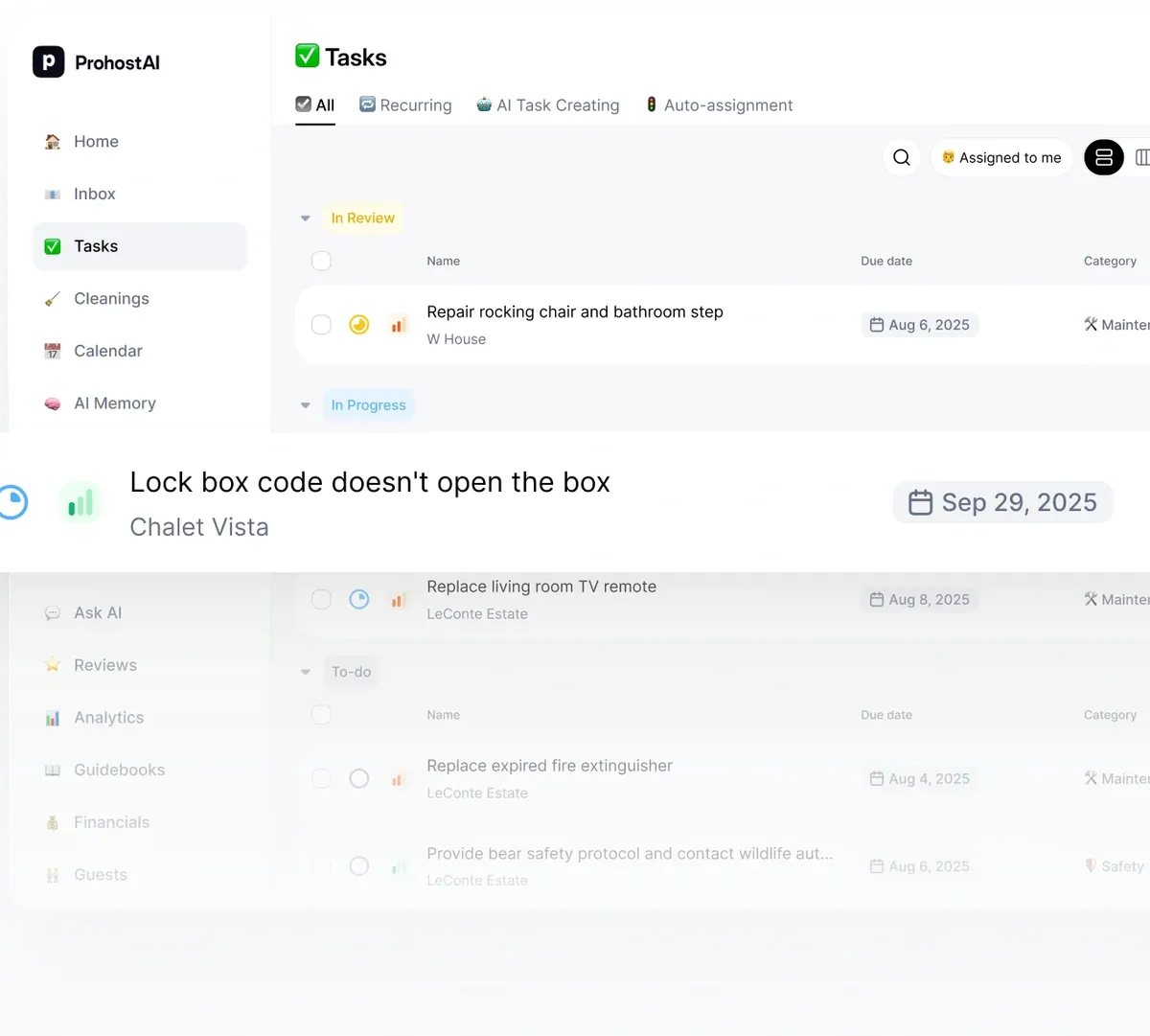
Yes. An AI employee works inside the apps in your workspace, answering messages in Inbox or creating Tasks, under the approval rules you set.
What does it cost?
There's a Free plan and no credit card required to start. Pricing is per workspace, not per seat — one plan covers your whole team, with shared AI credits that power everything the AI does. You can upgrade when you're ready and cancel anytime. See the pricing page for current plans.
Ready to set up your workspace?
- Start free
- No per-seat pricing
- Cancel anytime